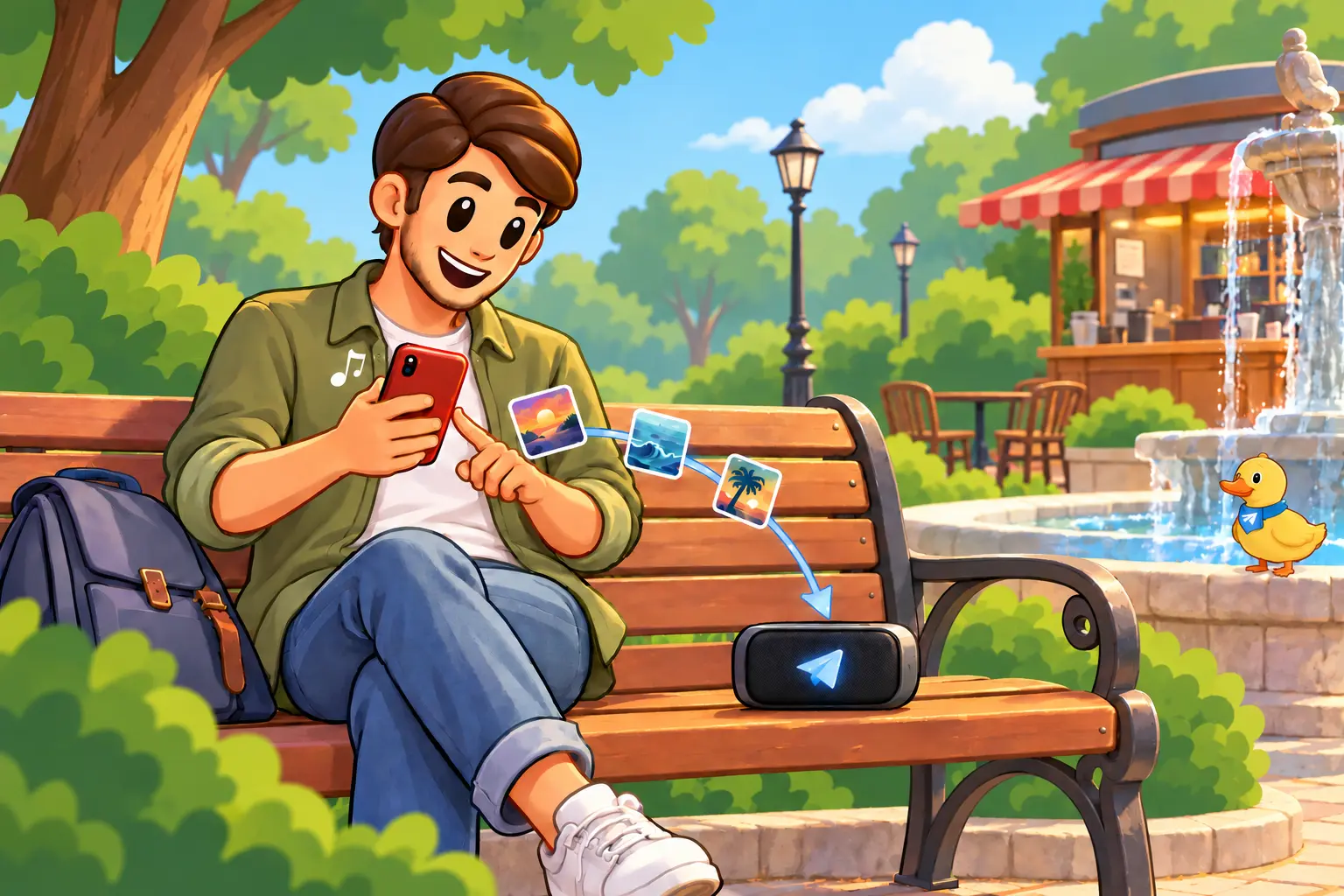
Send a public YouTube Music playlist link to @TgSoundBot. Choose whether the matched tracks go into a new playlist or your likes, then open the collection in Telegram.
You need a public YouTube Music playlist and its share link.
A public playlist is one that opens for anyone who has the link. If you have only saved it for yourself, open the playlist settings in YouTube Music and change its visibility before you copy the link.
The bot imports the playlist itself, so you do not need to send tracks one at a time. Open the playlist, use Share, and copy the link from there.
Open the bot in Telegram and press Start.
Open the playlist in YouTube Music, tap or click Share, then copy its link.
Paste the link into the chat with @TgSoundBot and send it.
Choose Create a new playlist to keep the collection together, or Add to your likes to save the tracks in your existing library.
Wait for the bot to match the tracks, then use its button to open the imported playlist in Telegram.
TgSoundBot creates a Telegram collection from the tracks it finds in its library. Keep it as a separate playlist or add the tracks to the music you have already liked.
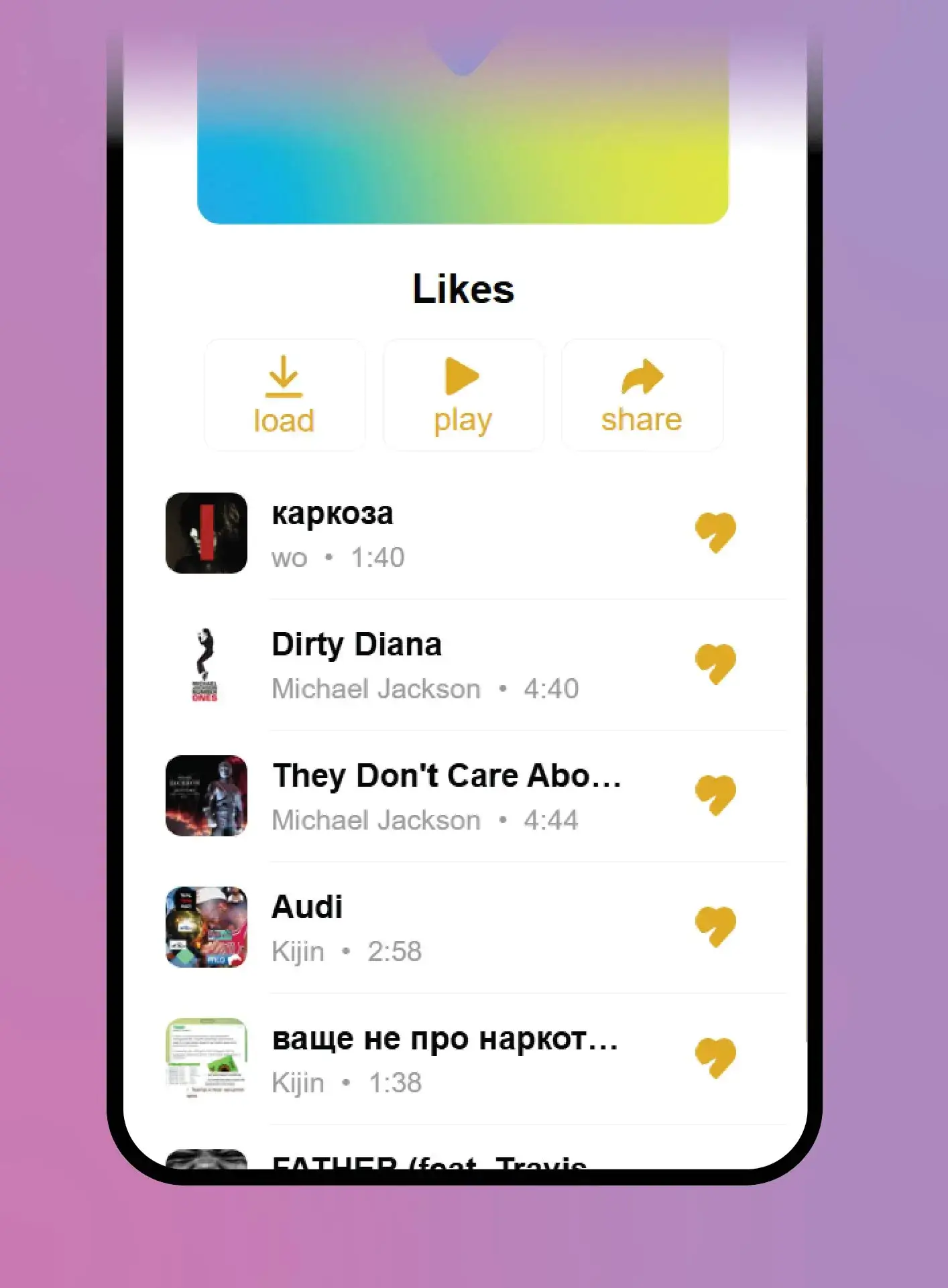
Send the bot a public playlist link and choose where the matched tracks should go.