Your Spotify playlists are full of songs you've spent years collecting. With a free Telegram music bot, you can transfer a whole Spotify album into Telegram in about a minute and keep it right next to the chats you already use every day.
Maybe you want your whole music library in one messenger. Maybe Spotify's price is creeping up, or you'd rather keep your own copy of the songs you actually like. Once your Spotify playlist is in Telegram, you can stream it, play it offline, and download the exact tracks you want on the spot.
There's no syncing, no copying files around, and no waiting for a giant playlist to load. You paste a link, the bot transfers the tracks in, and it's done. Importing music to Telegram also means everything lives in one place, so the songs you love are a tap away.
The whole import takes a couple of minutes. Most of that time is just the bot matching your tracks.
Open the bot on Telegram and press Start.
Grab the share link to the Spotify playlist. Not sure how to share one? This guide to sharing your liked songs covers it, and the first method is all you need.
Paste the link into the chat and send it. The importing is on the bot from here.
Choose where the songs should land: Create a new playlist or Add to your likes.
Let the bot work through the track list, then tap the button to open your freshly imported Spotify playlist, ready to stream and download.
Moving to Telegram doesn't have to change how you listen. Prefer everything collected in one tidy list? The bot can create a new playlist from your Spotify tracks.
Want those favorites to follow you around instead? They can land straight in your likes and blend in with everything else you've saved. Every song is matched against the bot's own music library, so you get real recordings you can play, not dead links or half-finished files.
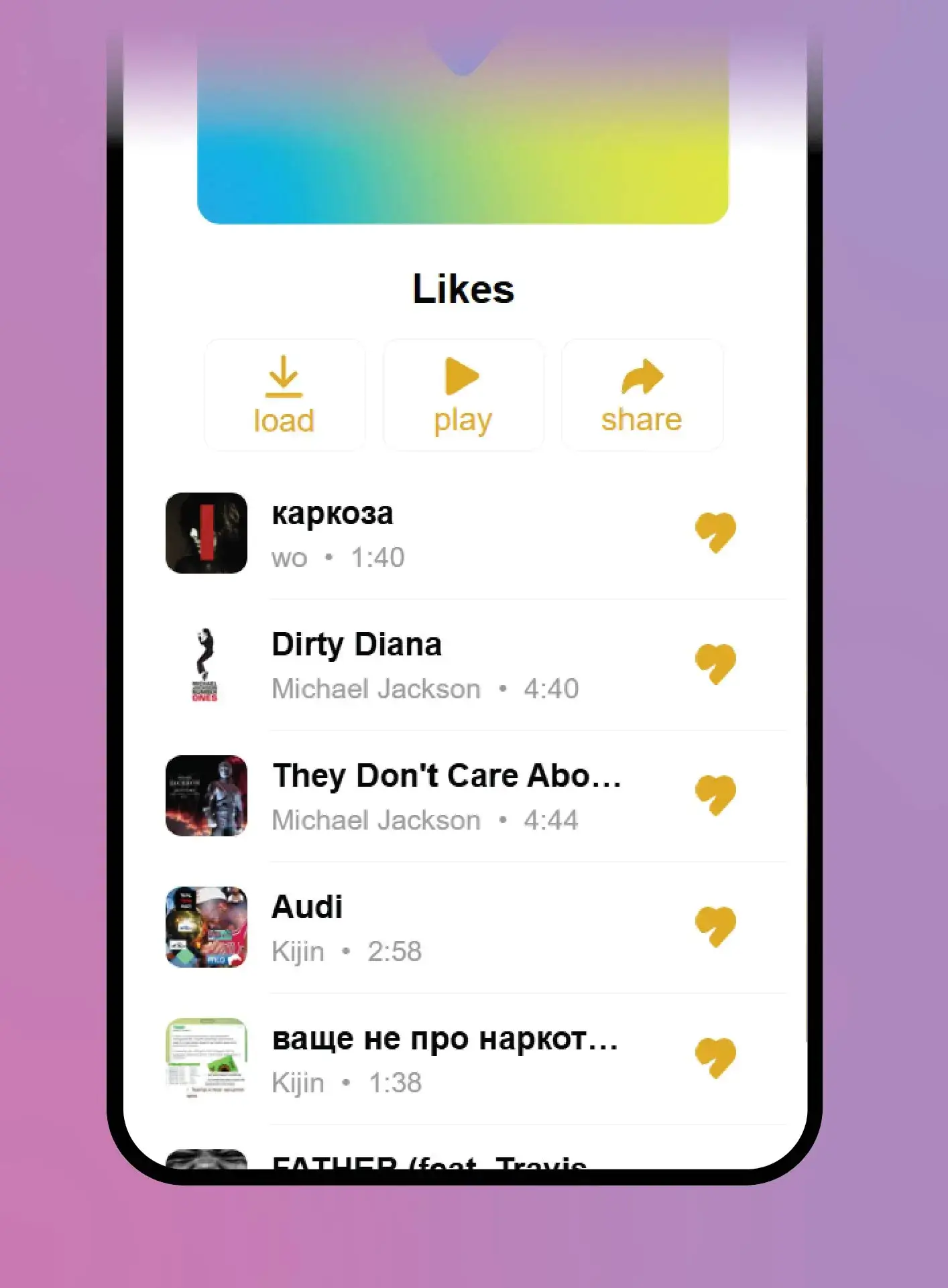
It's free to bring your playlist to Telegram and start listening.