
You can listen to your SoundCloud playlists in Telegram too. Send a playlist's share link to @TgSoundBot, then choose whether to save the available tracks to a new playlist or your likes.
You'll need the playlist's share link. Open it in SoundCloud and copy the link using Share. Links to an artist's profile or a single track won't import a playlist.
For a public playlist, the usual share link works. If yours is private, copy the full secret link from the sharing options. Don't trim the end of it: the bot needs that part to open the playlist. You can also send a short link beginning with on.soundcloud.com.
Open the bot in Telegram and press Start.
Open your playlist in SoundCloud, choose Share, and copy the playlist link.
Send the link in your chat with @TgSoundBot. If you need the import prompt, send /soundcloud.
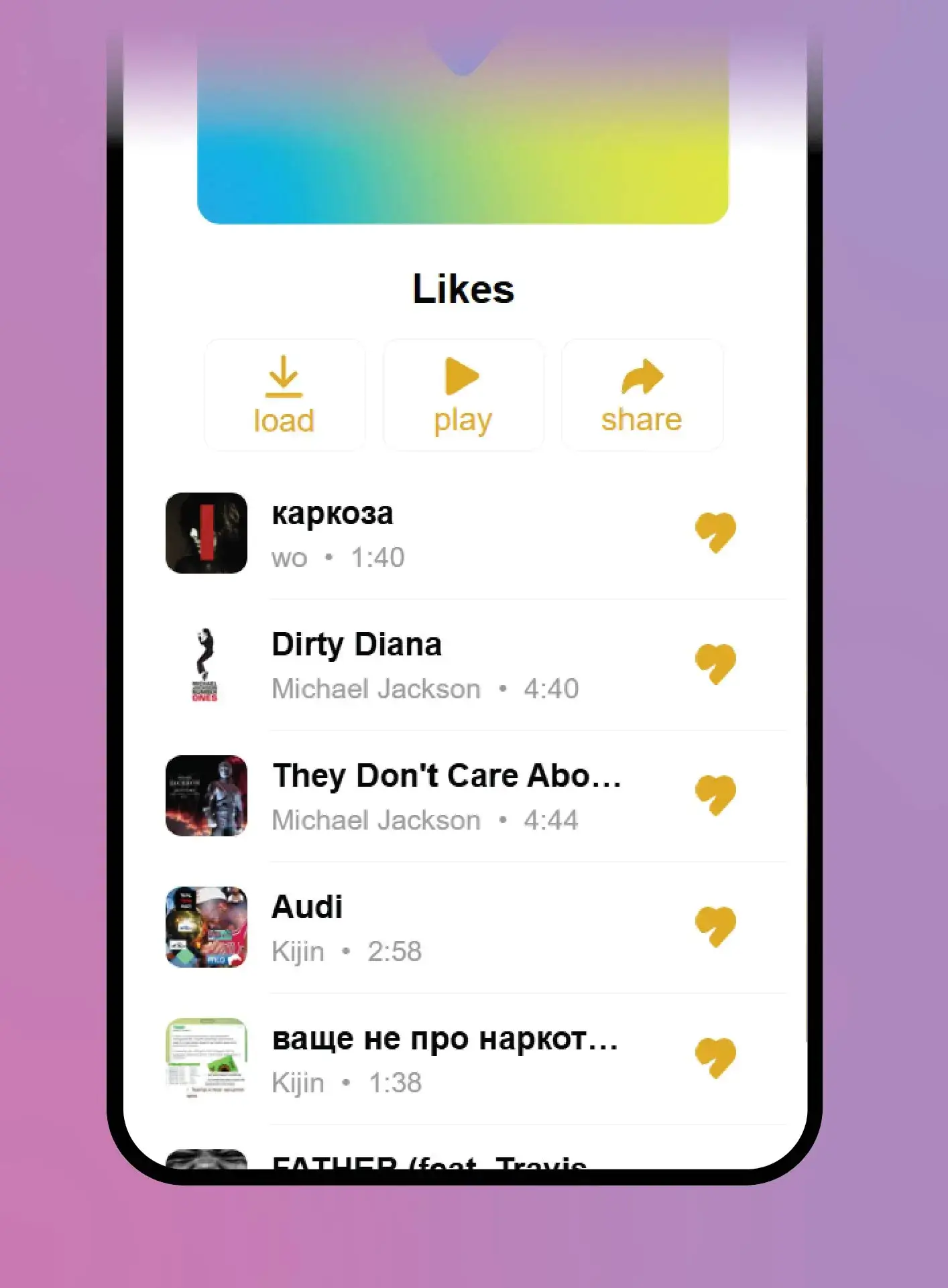
Choose playlist to save the tracks in a new playlist, or likes to add them to your liked songs.
When the import finishes, tap the bot's button to open your playlist or likes in Telegram.
Choose a new playlist if you want to keep the SoundCloud tracks together. The bot keeps the original playlist's title. Choose likes if you'd rather add the tracks to the songs you've already saved in TgSoundBot.
The bot imports the available tracks and lists any it skips in the result message. Your imported playlist can end up shorter than the original.
If you can't find the share link, SoundCloud has instructions for public playlists and private playlists.
Open the bot when you have your playlist link ready.